Home Desktop

Home Desktop

Info
Module: Home
Path: Home
Topic: Home Desktop
Version(s):  All
Editions: 5.1


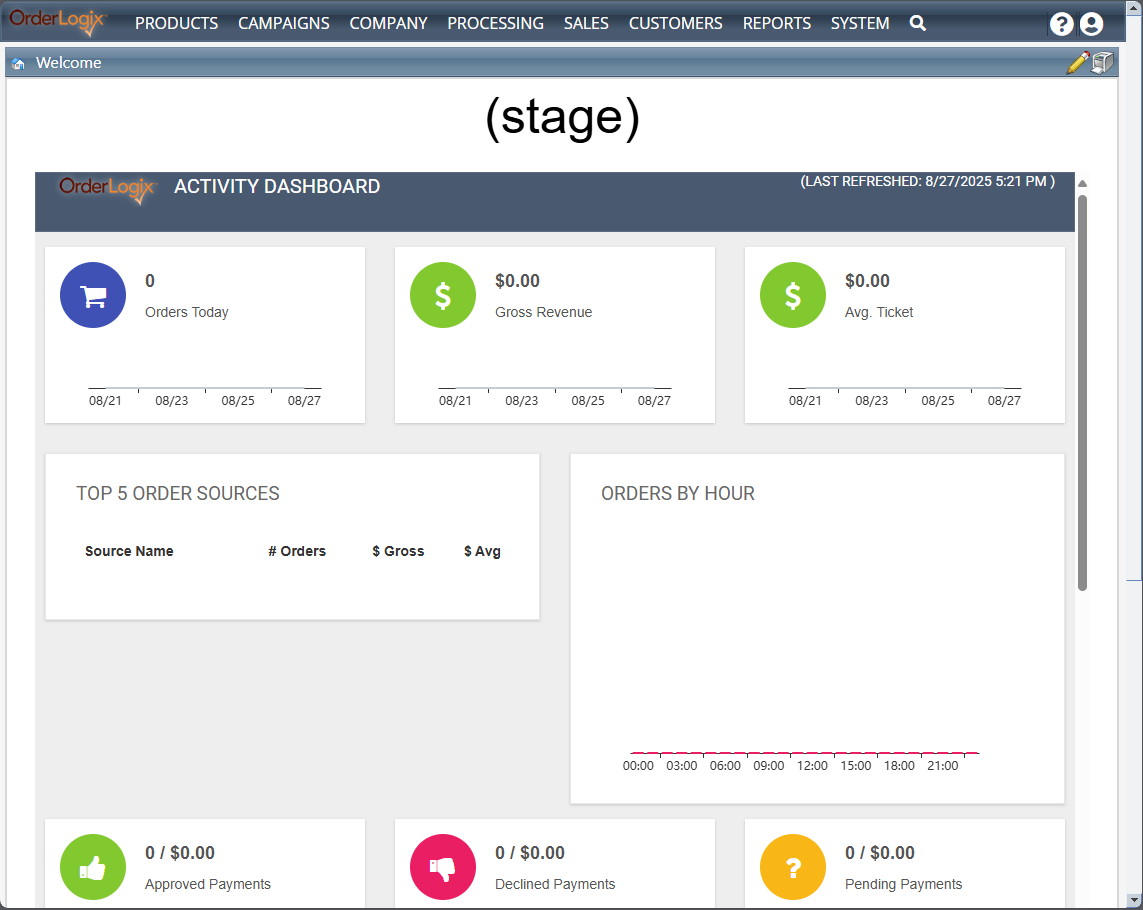
The Home Desktop contains a modifiable welcome message and list of any announcements or features you wish to add. This is the first screen users will come to once they have logged in and quick access bar can be found here, on the left, as well.


Login/Logout

The Login/Logout Process article provides the information you need to get into your OLX instance and reach the Home Desktop.


Navigation

The Module Buttons article and Pop Up Buttons article will help guide you through your OLX instance. 


Menu 

The Menu Navigation article help you navigate to different area's within OLX.


Welcome


You can review the Welcome article for more information on customizing this module.


News & Features

Warning
This feature has been removed in R21

The News & Features article will help you get this module setup.


Calendar

Warning
This feature has been removed in R21

The Calendar article offers easy to use instruction.


Quick Lookups

Warning
This feature has been moved in R21 to the top menu


The Quick Order/Customer Lookup article offers easy to use instruction.


Lookup History

Warning
This feature has been moved in R21 to the top menu


The Lookup History article offers easy to use instruction.


Home Desktop

Copyright 2019

Revised 9.27.2025


    • Related Articles

    • 5.1.141 - CSR Home Tiles and Dynamic Size of New Order

      Version: 5.1 Patch: 141 Title: CSR Home Tiles and Dynamic Size of New Order Application Category: Other; Order Entry Patch Type: Feature Description: Updated CSR Home Tiles Created Dynamic resize for classic order entry page based on screen size ...
    • Employee Preferences

      Module: Home Path: Home > User Icon > Employee Preferences Topic: Employee Preferences Version(s): Version 5.1 and up Editions: All Editions When you hover over the User icon on the right menu navigation bar you will see in the drop down an option ...
    • Company Desktop

      Module: Company Desktop Topic: Page Overview Version(s): Version 5.1 and up Editions: Standard, Commerce, Call Center The Company Desktop is where a user of the system can edit the company data, product information, advertising information, call ...
    • System Desktop

      Module: System Desktop Path: System Main Menu Topic: Module Overview Version(s): Version 5.1 and up Editions: Standard, Commerce, Call Center What Is System Desktop The system desktop is an administration area of the system. Making The Connection ...
    • 5.1.108 - Processing Home Optimization

      Version: 5.1 Patch: 108 Title: Processing Home Optimization Application Category: Other; Other Processing Patch Type: Feature Description: 5.1 Processing Overview optimization Wrapped each panel into its own update panel in order to optimize loading ...