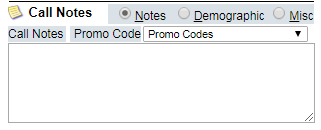
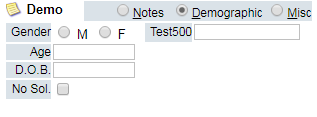
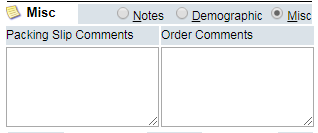
To toggle between Notes, Demographics, and Miscellaneous, select the radio button next to the option.
The Call Notes section of the order screen is where you can select a promo code for the call (if applicable), and enter any important notes for the call. (These notes will be visible on the
Order Detail Screen
once the order is submitted)
The Demographics section of the order screen is where you can enter specific information about a customer such as gender, age, date of birth, social security number and whether or not this customer can be solicited. This is also where any custom demographics you have defined will appear.
You can enter packing slip and order information in the Miscellaneous section. (Packing Slip comments apply if the slips are being created out of OrderLogix)